
Ubuntu Studio 25.10 Beta Announced: What Will the New Version Bring to Your Linux Audiovisual Production Setup?

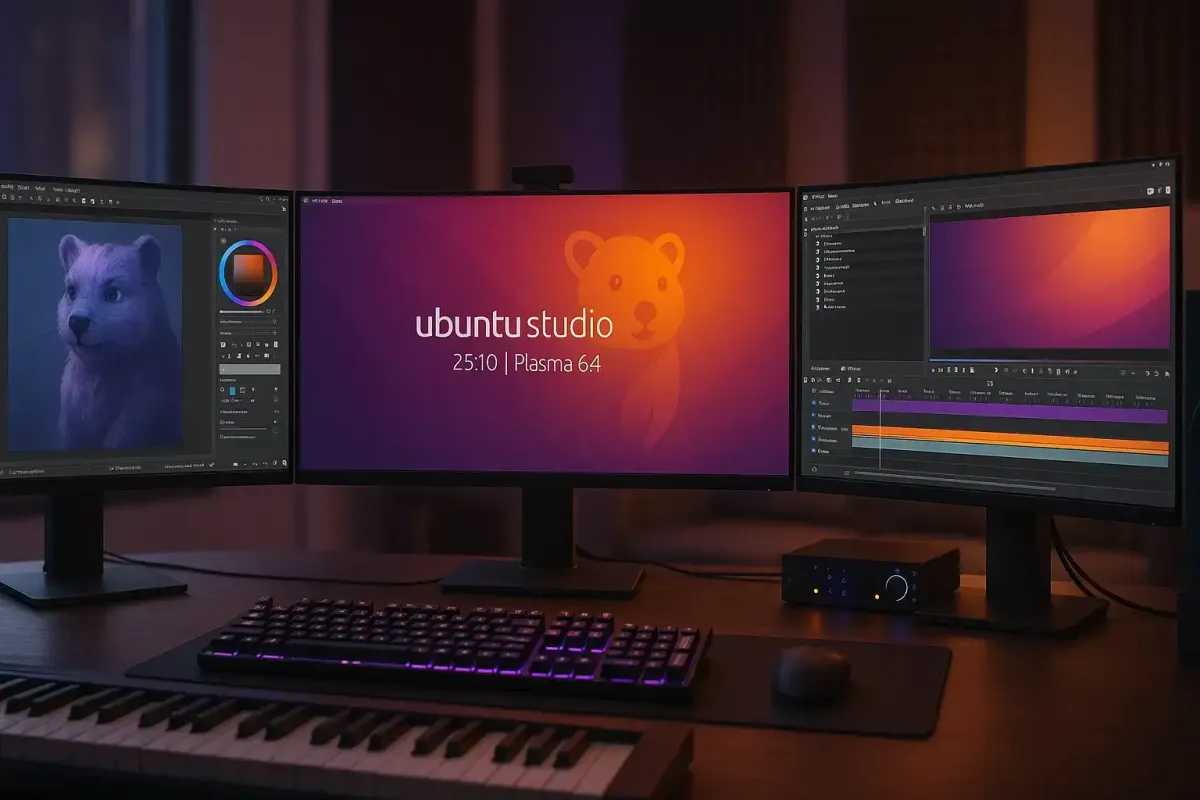
nova versão beta do Ubuntu Studio 25.10, codinome “Questing Quokka”, já está entre nós, oferecendo um vislumbre do que podemos esperar da versão final em 9 de outubro de 2025. A proposta desta atualização não é uma revolução completa, mas uma evolução focada em aprimorar o que já funciona. Para quem depende do sistema para entregar projetos e cumprir prazos, estabilidade e refinamento são sempre bem-vindos. Vamos ver na prática o que isso significa para o nosso dia a dia de produção.
A primeira impressão ao testar o “Quokka” vem da sua interface. O sistema agora roda sobre o Plasma 6.4, um ambiente de trabalho que busca ser mais limpo e moderno, ajudando a gente a manter o foco na timeline, no canvas ou na mesa de mixagem. E para quem está migrando de outras plataformas, a equipe incluiu uma novidade bem pensada: um layout opcional que organiza a área de trabalho de forma similar ao macOS, com uma dock inferior e um menu global, o que pode facilitar bastante a adaptação.
Por baixo do capô, as melhorias continuam, principalmente na parte de áudio. O sistema PipeWire foi atualizado para a versão 1.4.7, o que na prática se traduz em menos dores de cabeça com configurações, latência mais baixa e uma gestão de som e vídeo mais estável entre os aplicativos. Nesse contexto de áudio em rede, uma nova ferramenta foi adicionada: o JackTrip. Com uma interface gráfica amigável, ele permite colaborar remotamente em projetos de áudio com alta qualidade, abrindo portas para dirigir uma sessão de dublagem ou gravar uma trilha sonora com músicos à distância.
Claro, uma distro focada em criação de conteúdo vive de seus aplicativos, e as principais ferramentas do nosso arsenal foram atualizadas. Editores de vídeo encontrarão o Kdenlive 25.08.1, mais polido para a montagem de projetos. Para artistas gráficos e designers, a chegada do GIMP 3.0.4 com sua interface renovada é um marco, acompanhado do Krita 5.2.11, essencial para storyboards e artes conceituais. No lado do som, o Audacity 3.7.5 segue como o padrão para edição de áudio, enquanto o digiKam 8.7.0 ajuda a organizar o grande volume de mídias de qualquer produção.
Antes de se aventurar, vale lembrar que estamos falando de uma versão beta, ideal para testes e não para máquinas de trabalho críticas. A imagem de instalação é grande, com mais de 4GB, então o ideal é usar um pendrive. Um detalhe importante: após o primeiro login, o sistema pedirá para reiniciar para configurar corretamente o áudio – um passo crucial para quem precisa de baixa latência. A boa notícia é que, se você instalar o beta agora, basta manter o sistema atualizado para que ele se transforme na versão final em outubro, sem necessidade de formatação.
O Ubuntu Studio oferece também um bom nível de controle sobre a instalação. A equipe explica a presença de alguns aplicativos no formato Snap, como o Firefox, por questões de distribuição e agilidade na segurança. No entanto, se você prefere um sistema mais enxuto, pode escolher a “Instalação Mínima” e, depois, usar o Instalador do Ubuntu Studio para adicionar apenas os pacotes que você realmente usa, montando um ambiente de trabalho sob medida.
Então, vale a pena testar? Se você é do tipo que gosta de estar na vanguarda, não tem medo de encontrar um bug ou outro e quer ajudar a moldar a versão final, baixar o beta é uma ótima ideia. Para o trabalho diário e projetos urgentes, a prudência sugere esperar pela estabilidade da versão final. De qualquer forma, é um sinal positivo ver o Ubuntu Studio amadurecendo de forma consistente, com foco em melhorias práticas para nós, criadores de conteúdo no universo Linux.
- Para baixar a imagem beta:
https://cdimage.ubuntu.com/ubuntustudio/releases/25.10/beta/ - Para ler as notas de lançamento completas (em inglês):
https://discourse.ubuntu.com/t/ubuntu-studio-25-10-release-notes/
 Support Cine Linux